AI Inbox
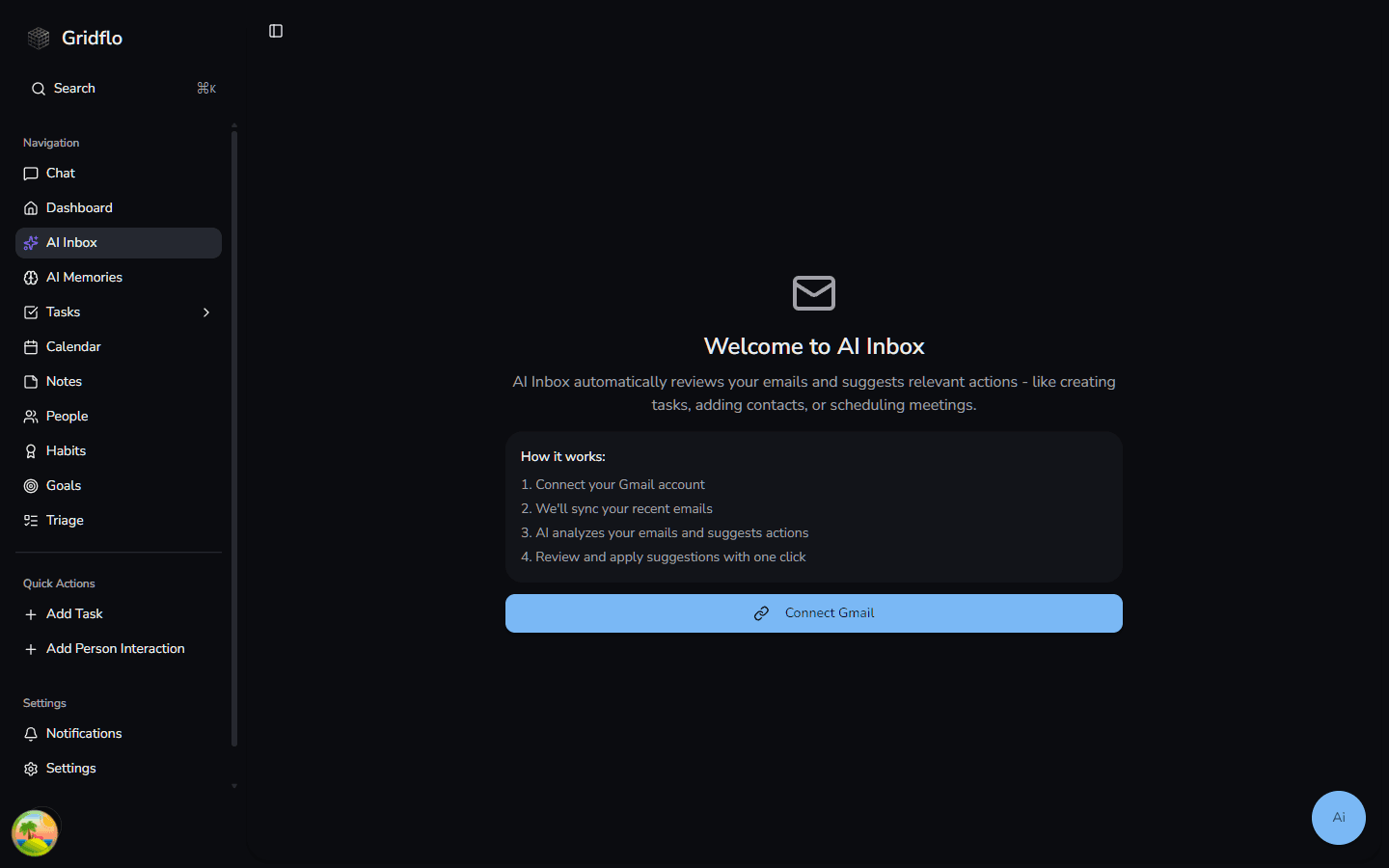
AI Inbox turns your email into action. Once you connect Gmail, Flo reviews incoming emails and suggests relevant next steps — like creating a task, updating or completing an existing one, adding a contact, or capturing a note — so nothing important slips through.
Connecting Gmail
- Open AI Inbox from the sidebar
- Click Connect Gmail
- Sign in with Google and grant access
- Gridflo syncs your recent emails and starts generating suggestions
Navigating your inbox
The left panel shows your Gmail folders — Inbox, Primary, Social, Promotions, Updates, Important, Starred, Sent, and All Mail. Click any folder to view the threads inside.
The centre panel lets you search threads by subject, snippet, or participant, and filter by read/unread status or suggestion state (Pending, Applied, or Dismissed). Threads load 50 at a time and more appear as you scroll.
All three panels — folder list, thread list, and detail view — are resizable. Drag any divider to adjust the layout; Gridflo remembers your sizing between sessions.
Reviewing suggestions
Select a thread to open it. The right side shows the AI Context tab by default — Flo's suggestions for that thread alongside related blocks already in your workspace (tasks, notes, contacts). Hover over any block chip to preview it without leaving the inbox.
Suggestion types include:
- Create task — adds a new task from the email
- Update task — edits an existing task with new details from the email
- Complete task — marks a task done when the email confirms it's finished
- Create note — saves information from the email as a note
- Add contact — adds a new person from the email
For each suggestion you can:
- Click Preview to see exactly what would change before committing — a diff of every field that will be created or updated
- Click Apply to accept it — the item is created or updated immediately
- Click Dismiss to skip it — nothing is created
Tuning what gets reviewed
Click the settings icon in the AI Inbox header to open AI Inbox Settings. From there you can:
- Ignore specific senders — an exact email address or an entire domain (e.g.
@newsletter.com) — so automated mail never generates suggestions - Choose which Gmail categories (Primary, Social, Promotions, Updates) Flo processes, focusing AI on the mail that matters most to you
If the connection expires
If your Gmail authorization expires, AI Inbox shows a Gmail Connection Lost notice. Click Reconnect Gmail to pick up where you left off.
Email processing counts toward your plan's AI usage — see Chat limits and upgrading for how limits work.