Meet Flo
Flo is the AI assistant built into Gridflo. Chat isn't tucked away in a corner — it's the home tab of the app, the first item in the sidebar. You can ask Flo about anything in your workspace, or ask it to make changes for you, all in plain language.
Starting a conversation
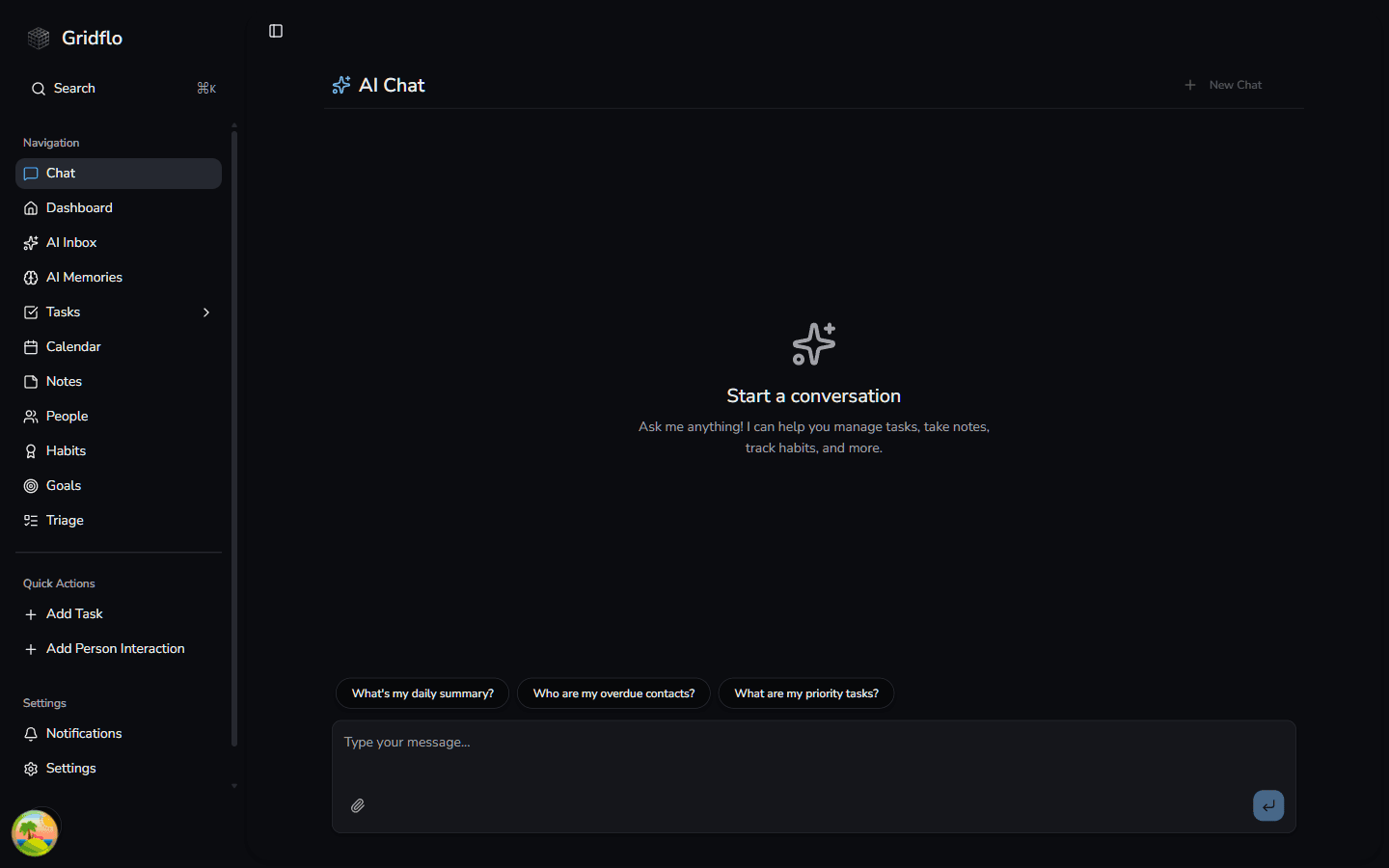
When you open Chat with no messages yet, you'll see the Start a conversation screen with a few suggestion chips to get you going:
- What's my daily summary?
- Who are my overdue contacts?
- What are my priority tasks?
Click a chip to send it as a message, or type your own question in the input at the bottom. You can also attach an image or PDF to your message using the attachment icon.
Flo answers from your real data
Flo doesn't guess. Before answering a question about your workspace, it looks up the actual items involved — your tasks, events, contacts, notes, habits, and goals — and you can watch it work. Progress steps like Looked up your workspace, Found tasks, and Searched memories appear above the answer while Flo gathers what it needs.
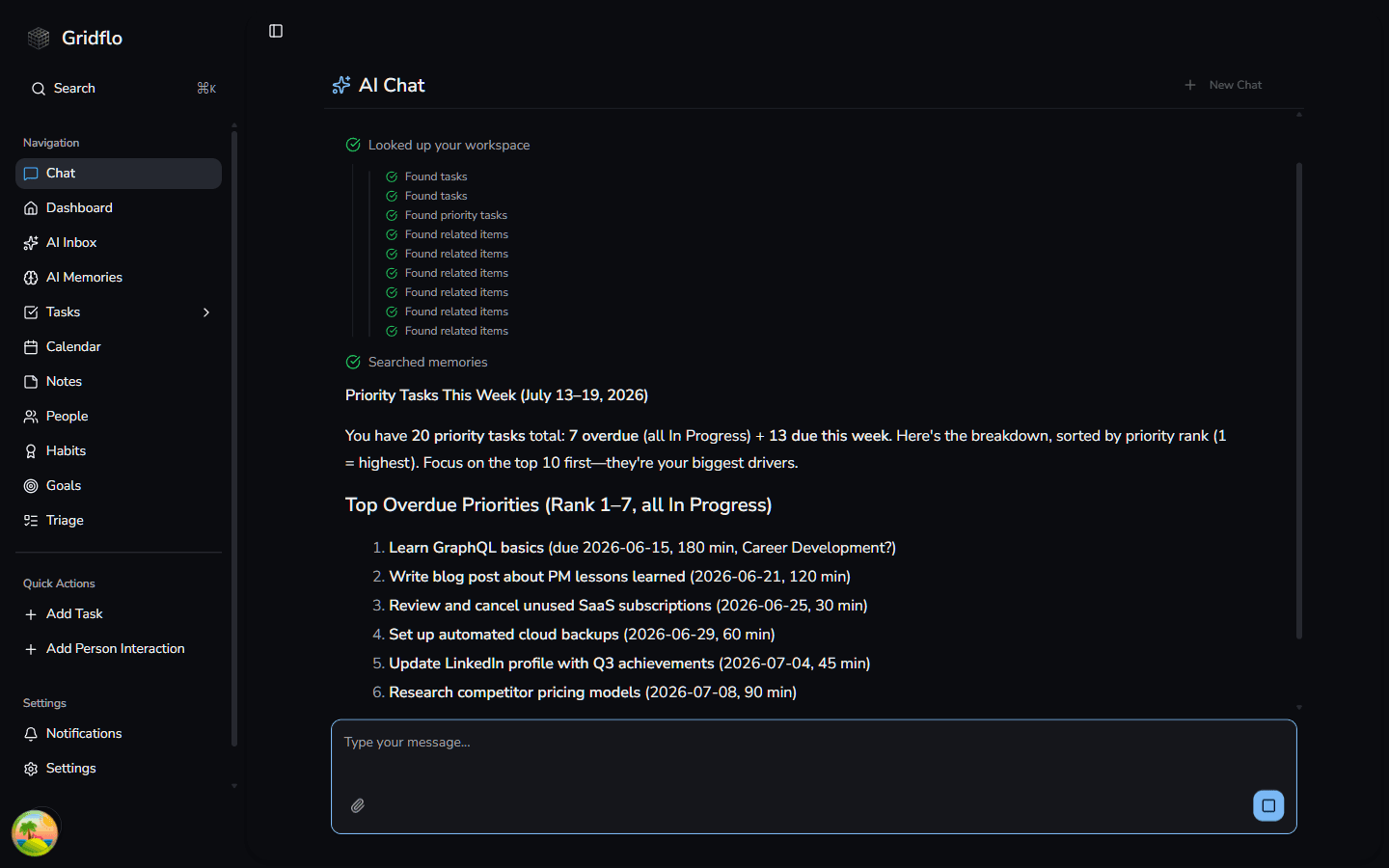
The result is an answer grounded in what's actually in your account, with real due dates, real names, and real numbers.
Where to go next
- See the full range of things Flo can help with in What Flo can do
- Learn how Flo remembers your preferences over time in AI memories
- New to Gridflo? Start with Getting Started