Tracking habits and streaks
Tracking a habit takes one click a day. Each day cell on the weekly calendar grid has three buttons: a check to mark the habit as achieved, an X to mark it as not achieved, and a dash to mark it as skipped. Clicking the same button again clears that day.
How streaks work
- Achieved days add to your streak — you'll see it counted under the habit's name, like "🔥 12 day streak"
- Not achieved days break the streak and reset it
- Skipped days pause the streak — they don't add to it, but they don't break it either. Handy for rest days or travel
For weekly habits, streaks count consecutive weeks where you hit your target days per week, rather than consecutive days.
Moving between weeks
Use the ← Previous Week and Next Week → buttons above the grid to review or fill in past days, and click Today to jump back to the current week.
The Scorecard tab
Next to the Weekly Calendar tab you'll find Scorecard, a monthly analytics view of all your habits. It includes:
- Overview stats — your completion rate (with a trend arrow comparing it to the prior period), your best current streak, your perfect days (days where every habit was completed), and a "Needs attention" card highlighting your most missed habit
- Activity charts — a bar chart across all habits, or a calendar dot view when you filter to a single habit with the habit selector
- Streak distribution — how long your streaks typically last, from 1–3 days up to 1+ month
- Day-of-week breakdown — which days you tend to miss most often
Use the month selector at the top to look back at previous months.
Habits on the Dashboard
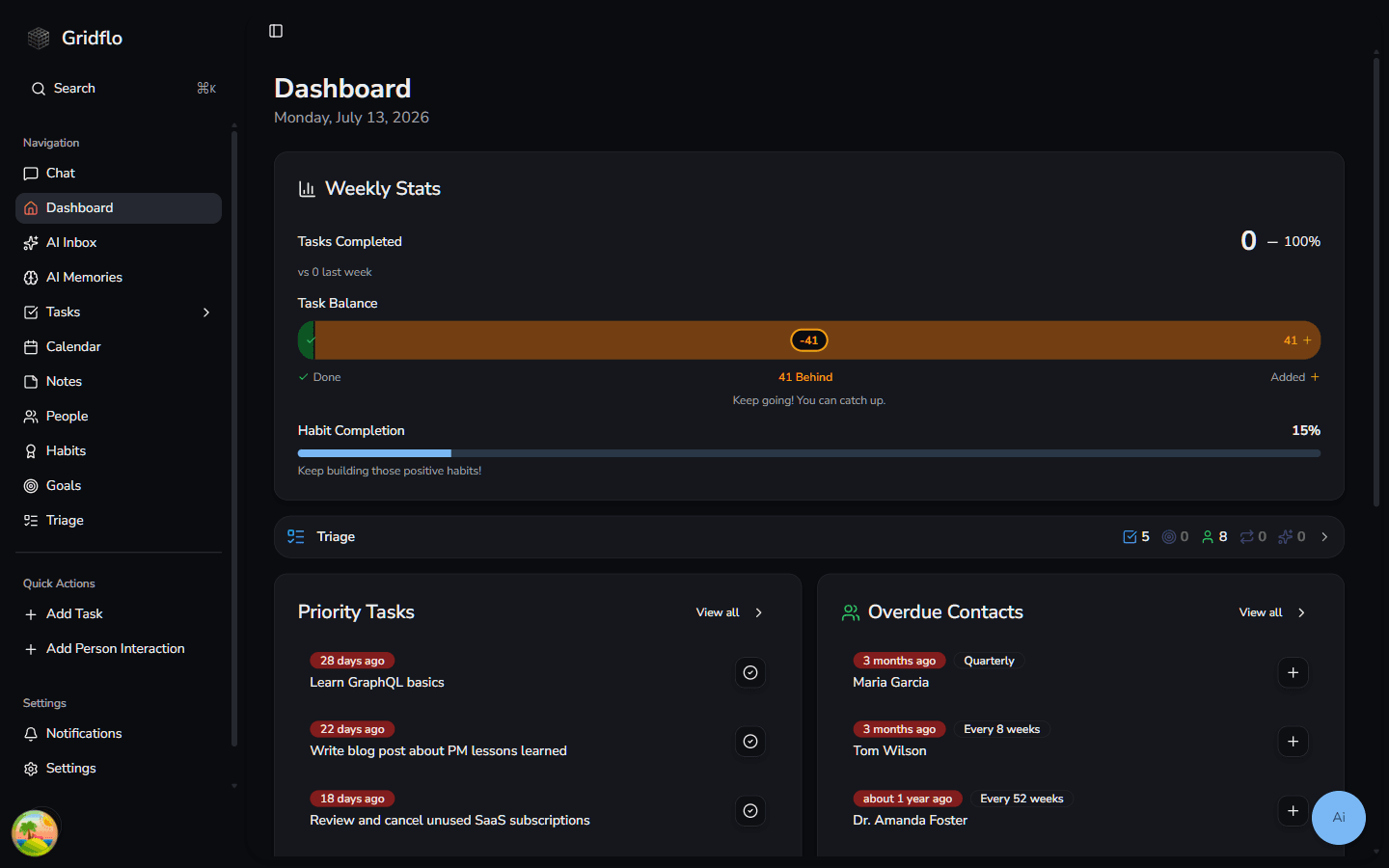
Your Dashboard's Weekly Stats card includes a Habit Completion percentage, so you can see how your week is going without opening the Habit Tracker.
Haven't set up your habits yet? Start with Creating habits.