Tags and linking people to your work
People rarely exist in isolation — they're attached to projects, meetings, and ideas. The Tags & Links tab on every person profile connects them to the rest of your workspace.
Add tags
- Open a person and go to the Tags & Links tab
- Search for an existing tag or type a new name to create one
Tags are shared across Gridflo, so the same "Work" or "Design" tag can group people, tasks, and notes together. Tags show as colored chips on person cards and work with the Filter control on the People page. Gridflo can also suggest tags based on the person's name, company, and position.
Link tasks and notes
Below the tags, the Related Blocks field lets you search for tasks and notes and link them to the person — the prep note for your next catch-up, or the task you promised to do for them. It works from the other direction too: when you create or edit a task, its own Tags & Links section can link people to it. See Tasks & Projects and Notes for more on those.
How Flo uses your people
Flo, Gridflo's AI assistant, can see your people, their contact frequencies, and their activity timelines. That means you can ask things like:
- "Who are my overdue contacts?"
- "When did I last talk to Lisa?"
- "What do I know about people at TechCorp?"
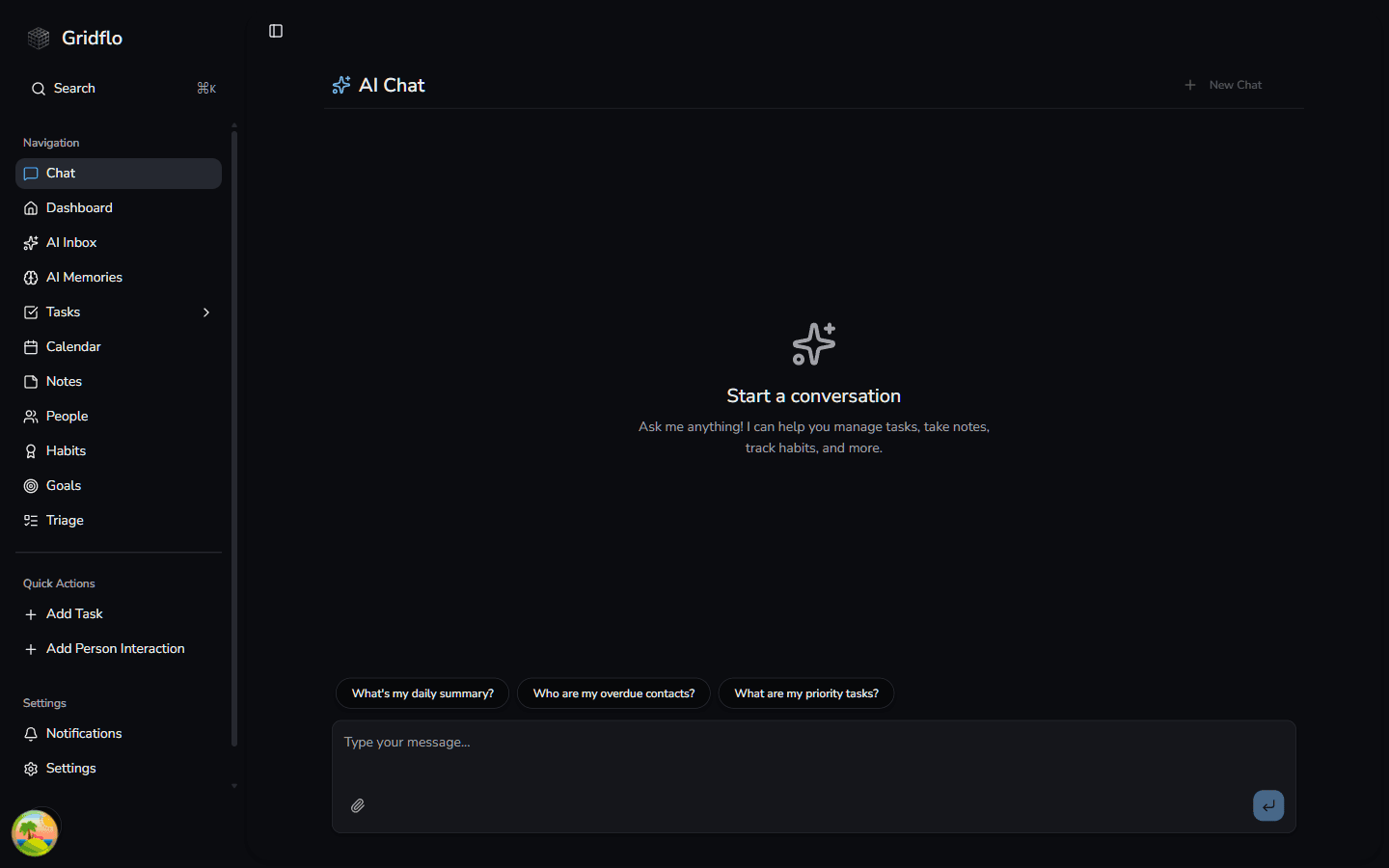
Your daily summary from Flo also includes people you're due to contact. The richer your profiles and activity timelines are, the more useful Flo's answers become — learn more in Flo, Your AI Assistant.